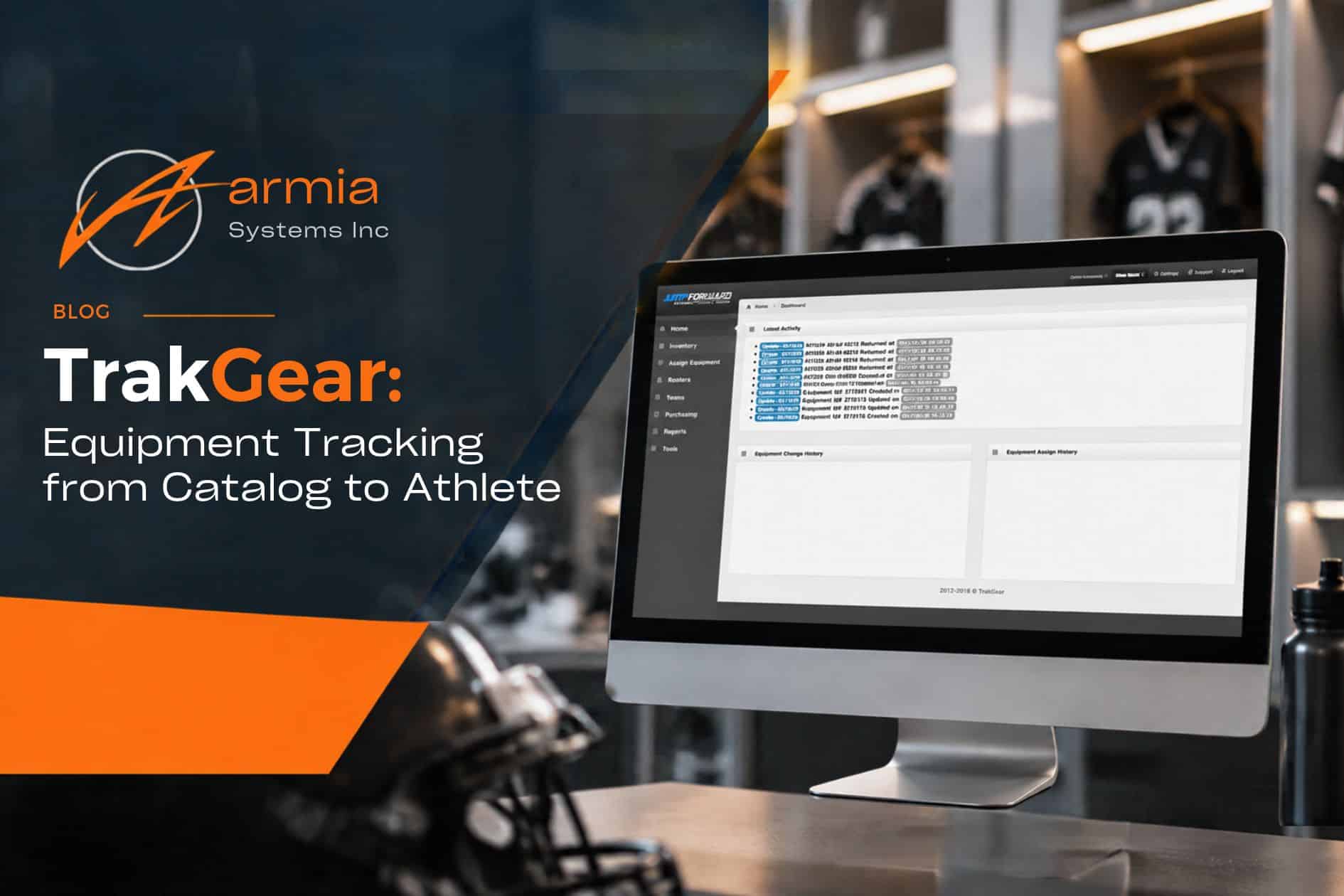
Think about everything a single sports program hands out in a season. The same jacket comes in several sizes and colors. Practice gear gets issued to dozens of athletes. Some items go out in August and are expected back by spring. Keeping track of it all is a full-time job for an equipment manager.
TrakGear is the web-based software we built to make that job easier. This post follows a piece of equipment through the system, from when it’s added to when a report is run. You can see the full project on our TrakGear portfolio page.
Who it’s for
TrakGear is an inventory management tool for sports equipment, with barcode support, designed for university athletic departments. JumpForward, a Chicago-based company, launched it to help athletic departments at 175 schools organize and manage their activities. Its tools are used by coaches, athletic directors and compliance staff.
The platform itself is designed to organize athletic equipment for professional, collegiate and scholastic sports programs, so it isn’t limited to one level of the sport.
Step one: build the catalog
Everything starts with getting the inventory into the system. An equipment manager can add their entire catalog in one place, rather than keeping separate lists for different sports or storage areas.
Step two: group it and describe it
Once the items are in, they can be grouped in a way that makes sense for the department. The software also lets managers define custom attributes, such as size and color.
That’s more important than it sounds. A pair of shorts isn’t just a pair of shorts. It’s a particular size in a particular color, and the system needs to distinguish between them. Custom attributes make that possible without forcing every department into the same mold.
Step three: assign it to an athlete
When it’s time to issue equipment, the manager can quickly assign items to athletes. This links each piece of gear to a person, making accountability possible later on. Instead of knowing that thirty jackets are out somewhere, the department knows exactly who has each one.
Step four: ask questions of the data
Once the inventory is moving, the reports start to matter. TrakGear can run reports for a wide variety of analytics, including:
- Athlete accountability
- Sports categorization
- Other KPIs
Reports can be exported using the included tools, so the information can be shared with coaches, directors or compliance staff who need it.
Why this approach works
For an equipment manager, the main benefit is that nothing falls through the cracks. The catalog is complete, each item has the right details, each assignment is recorded, and the reports are a few clicks away. Compliance staff and athletic directors get the numbers they need without asking someone to compile them by hand.
How it’s built
TrakGear is a web application, so it runs in a browser without installing anything. It’s built with CodeIgniter and MySQL and runs on Apache and Linux.
What we took from it
The best inventory software is the kind people actually use. TrakGear sticks to the basic steps an equipment manager already follows, which are add, organize, assign and report, and makes each one quicker. That keeps the focus on the equipment and the athletes, where it belongs.
Looking for something similar?
If you’re planning a tool for managing equipment, inventory or assets, we’d like to hear what you have in mind. Reach out to our team, or check out the TrakGear project on our portfolio page.
